What a still render explains well
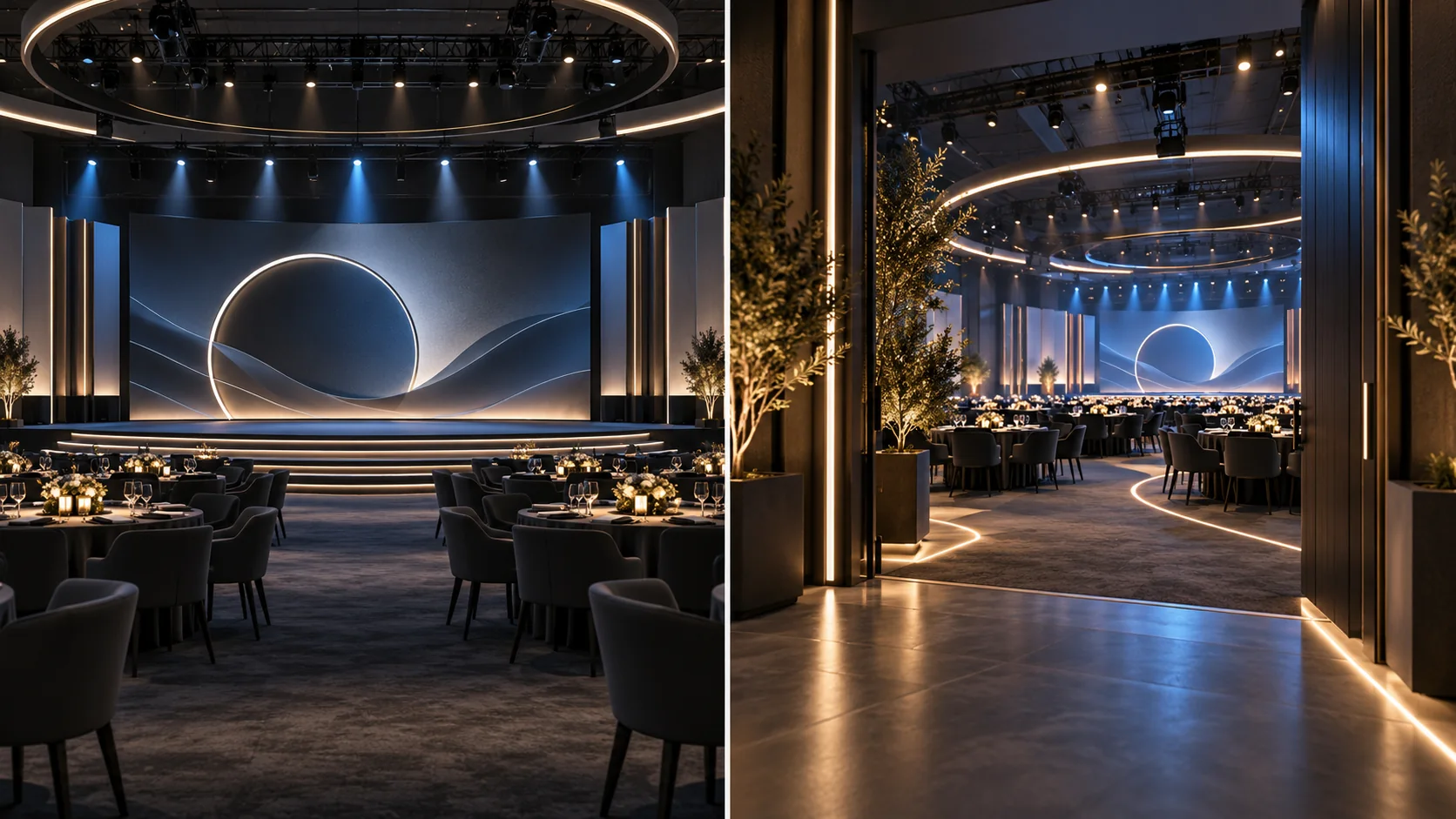
A still render gives one carefully composed view. It can help a client review the stage, brand presence, key structures, material direction, lighting mood, or a hero moment. It is easy to place in a presentation and compare with other design options.
Its limit is perspective. One image cannot show every route, transition, or sightline. A dramatic camera angle may also make a space feel larger or clearer than it will be from a guest's position, so views should be chosen with the intended audience in mind.
What a walkthrough explains well
A walkthrough moves the viewer through the environment. It can communicate arrival, registration, transitions, reveal moments, spatial relationships, and the overall event mood. This is useful when people need to follow a journey or imagine the experience before the venue is built.
A walkthrough takes more planning: camera path, timing, scene continuity, and motion need to support the story. Fast movement or too many cinematic effects can make the space harder to assess. The video should help people understand the concept, not hide details they need to review.
Choose by the question
| If the approval question is… | Start with… |
|---|---|
| What does the stage or key view look like? | A still render |
| How do guests move from entry to the main experience? | A walkthrough |
| How do two visual directions compare? | A matched set of still views |
| How does the full concept feel as a sequence? | A walkthrough, supported by selected stills |
What to agree before visualization
Confirm the audience, presentation context, level of detail, venue information, views needed, and whether the visuals are conceptual or technically verified. This keeps the output aligned with its purpose. Production dimensions and buildability still require appropriate checks by the project team.
Overwrite creates event visualizations and cinematic walkthroughs to help teams present concepts before execution. Start with the approval question; then select the format that gives stakeholders the clearest evidence.
Planning a client presentation? Share the brief and venue information to discuss the right mix of renders and motion.
THE OVERWRITE APPROACH
Make the next decision clear before work moves forward.
Overwrite starts with the real brief, audience, and constraints, then shapes the creative direction and practical next step around what the project needs.
Cinematic Event Walkthroughs